Металлы
9 записей в этой рубрике
-
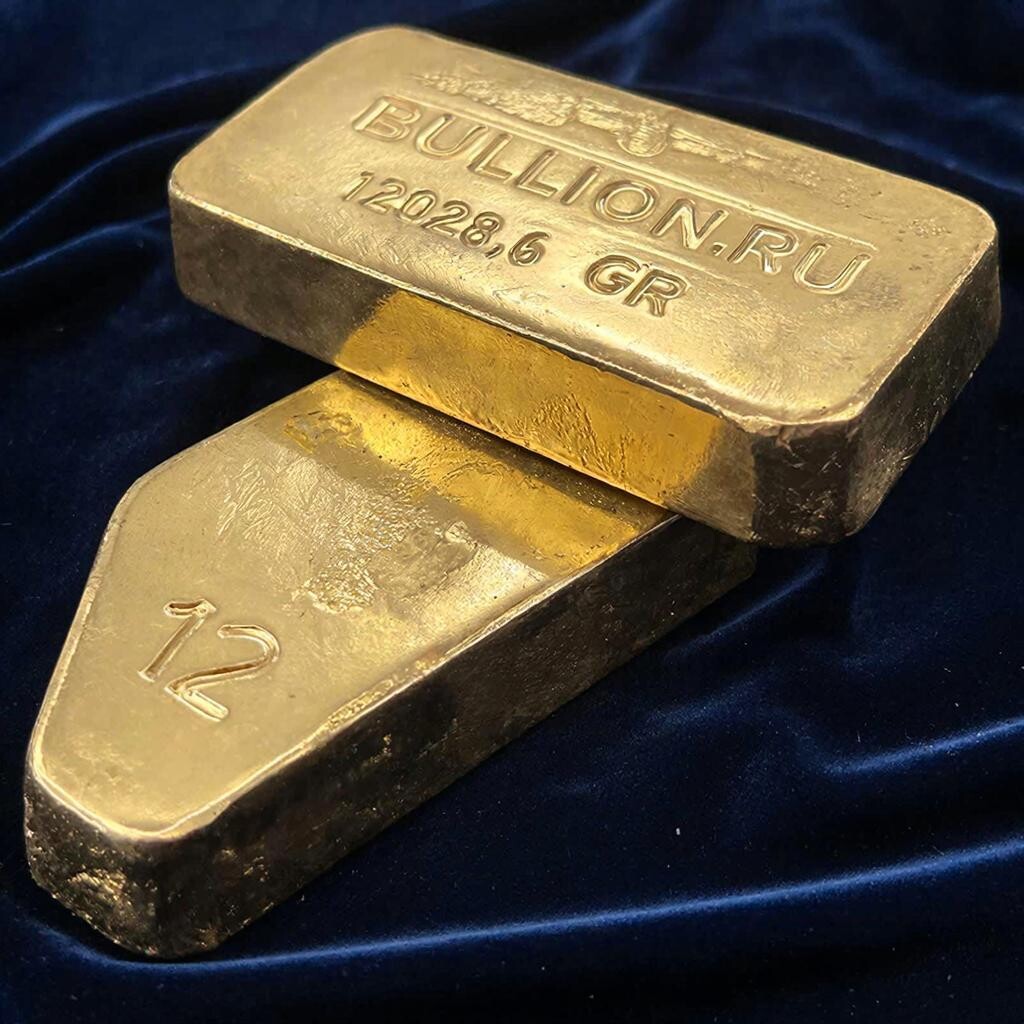
Золото Золото — элемент побочной подгруппы первой группы, шестого периода периодической системы химических элементов Д. И. Менделеева, с атомным номером 79. Обозначается символом Au (от латинского Aurum). Чистое золото - благородный металл жёлтого цвета. Физические свойства золота Золото - мягкий металл жёлтого цвета. Красноватый оттенок некоторым изделиям из золота, например, монетам, придают примеси других металлов, в частности, меди. Золото обладает высокой теплопроводностью и
-
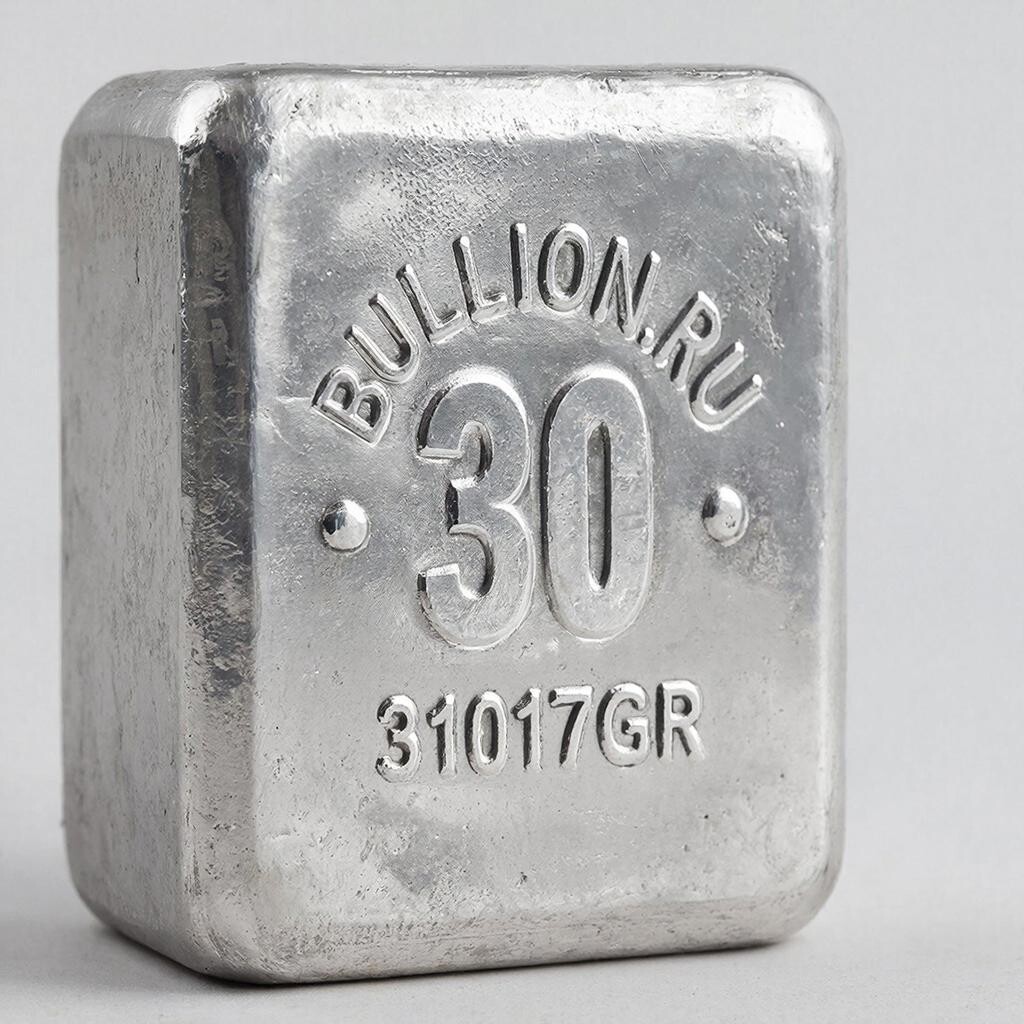
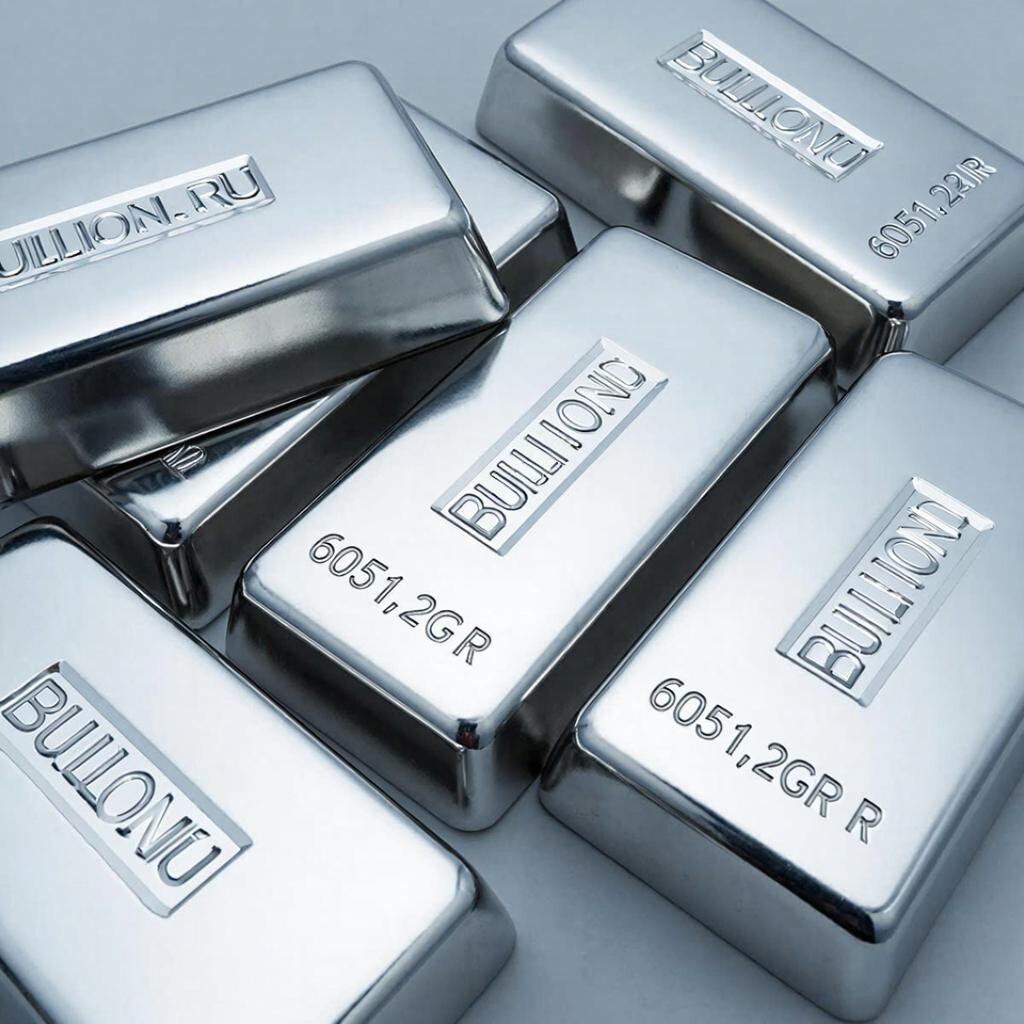
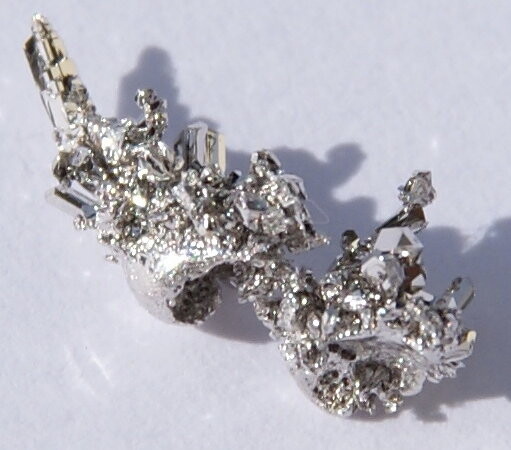
Серебро — элемент побочной подгруппы первой группы, пятого периода периодической системы химических элементов Д. И. Менделеева, с атомным номером 47. Обозначается символом Ag (лат. Argentum). Чистое серебро — ковкий, пластичный благородный металл серебристо-белого цвета. Кристаллическая решётка — гранецентрированная кубическая. Температура плавления — 960 °C, плотность — 10,5 г/см³.
-
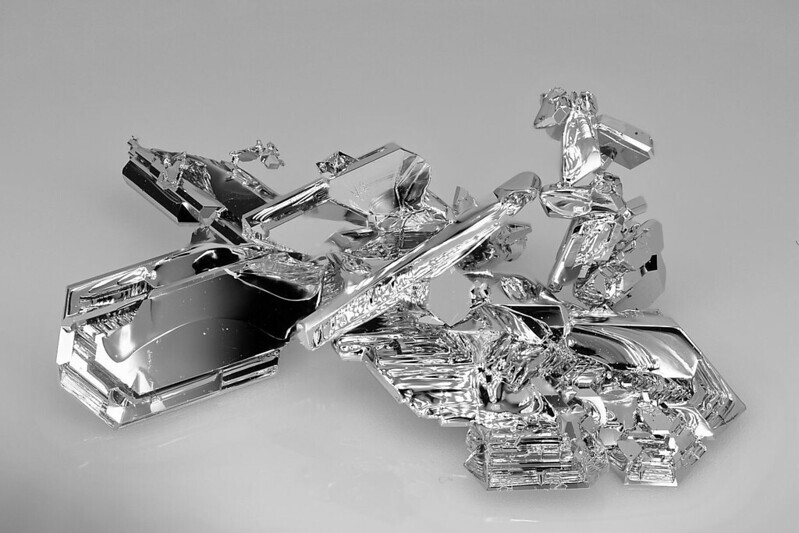
Платина (исп. Platina) — 78 элемент периодической таблицы, атомная масса 195,08; благородный металл серо-стального цвета.
-
Палладий — элемент побочной подгруппы восьмой группы пятого периода периодической системы химических элементов Д. И. Менделеева, атомный номер 46. Обозначается символом Pd (лат. Palladium). Простое вещество палладий — пластичный переходный металл серебристо-белого цвета. Благородный металл платиновой группы.
-
Благородные металлы не подвержены коррозии и окислению, не реагируют с соляной кислотой. Это отличает их от большинства «неблагородных» металлов. В ряду электрохимических потенциалов благородные металлы расположены правее водорода. В русской традиции не все указанные металлы считаются благородными. Например, медь не считается таковой. Другое наименование — драгоценные металлы — благодаря их редкости. Основные благородные металлы — золото, серебро, платина, палладий и остальные 4 металла платинов
-
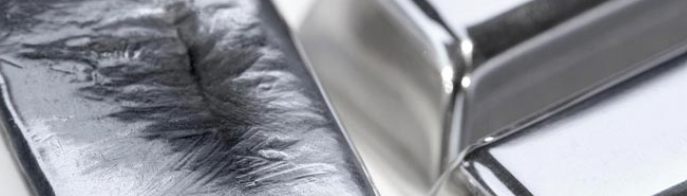
Рутений – металл серебристого цвета. Атомный номер – 44. Атомная масса – 101,07 а.е. Обозначение – Ru. Обладает большой твердостью, но в недостаточно очищенном виде очень хрупок, его легко стереть в порошок. Получить устойчивый химически чистый рутений в значительных количествах невозможно из-за его высокой химической активности. По этой причине до настоящего времени не установлены такие его характеристики, как предел прочности при растяжении. Плотность рутения – 12,41 г/см3 (плотность железа –
-
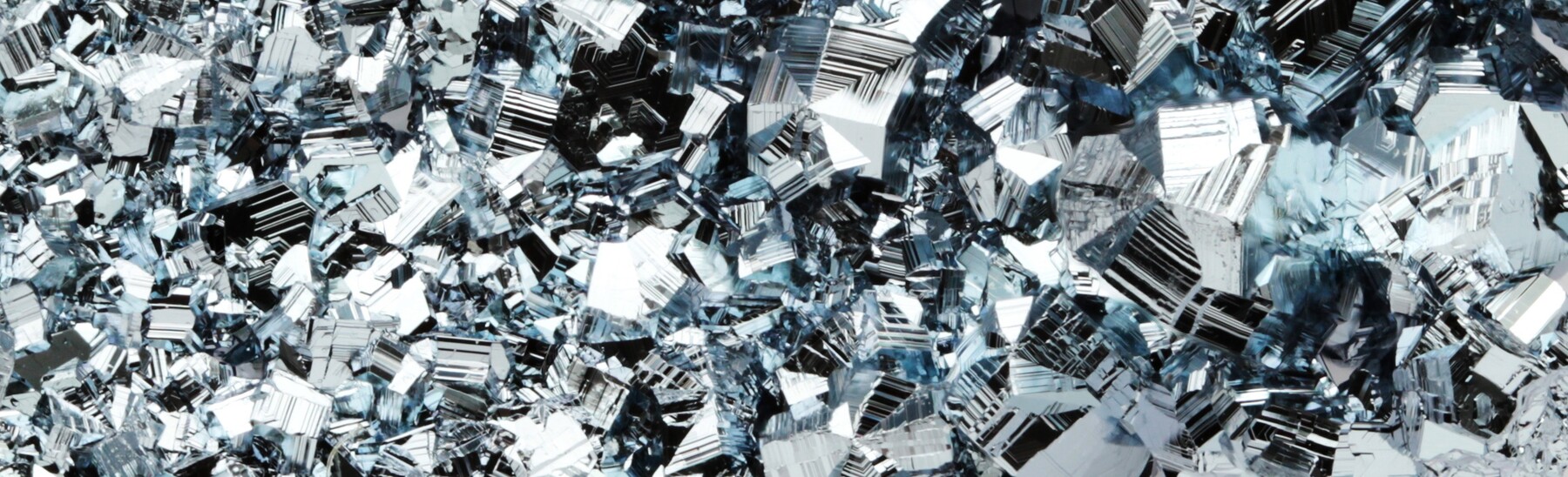
Родий (Rh; лат. rhodium) — элемент девятой группы пятого периода периодической системы химических элементов, атомный номер — 45. Простое вещество родий является твёрдым переходным металлом голубовато-серебристо-белого цвета. Относится к благородным металлам платиновой группы.
-
Осмий (Os, лат. Osmium) — химический элемент с атомным номером 76 в Периодической системе химических элементов Менделеева. При стандартных условиях представляет собой блестящий голубовато-серебристо-белый металл. Переходный металл, относится к платиновым металлам. Как и иридий обладает наибольшей плотностью среди всех простых веществ.
-
Ири́дий (Ir, лат. Iridium) — химический элемент с атомным номером 77 в периодической системе химических элементов Д. И. Менделеева. Иридий является очень твёрдым, тугоплавким, серебристо-белым переходным металлом платиновой группы, обладающим высокой плотностью. Имеет высокую коррозионную стойкость даже при температуре 2000 °C. В земных породах встречается крайне редко, поэтому высокая концентрация иридия в образцах породы является индикатором космического (метеоритного) происхождения последних.