Перейти к содержанию
View in the app

A better way to browse. Learn more.

Русский золотой портал

A full-screen app on your home screen with push notifications, badges and more.

To install this app on iOS and iPadOS
  1. Tap the Share icon in Safari
  2. Scroll the menu and tap Add to Home Screen.
  3. Tap Add in the top-right corner.
To install this app on Android
  1. Tap the 3-dot menu (⋮) in the top-right corner of the browser.
  2. Tap Add to Home screen or Install app.
  3. Confirm by tapping Install.

КаменевБухаю

Форумчанин
  • Зарегистрирован

  • Посещение

Весь контент КаменевБухаю

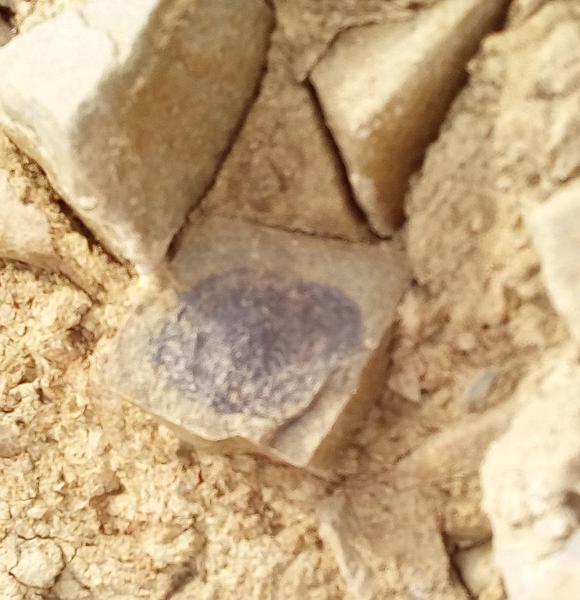
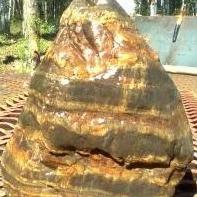
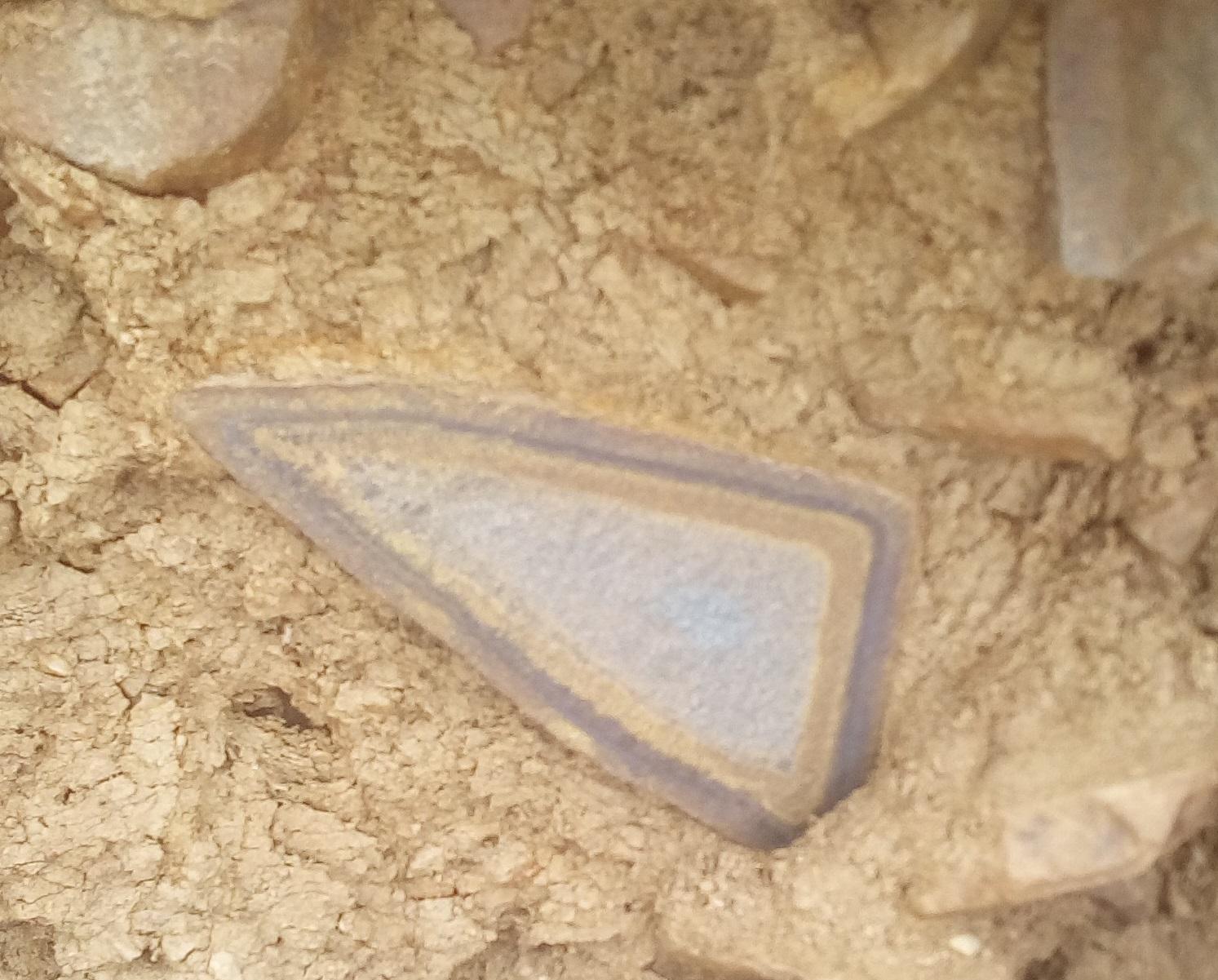
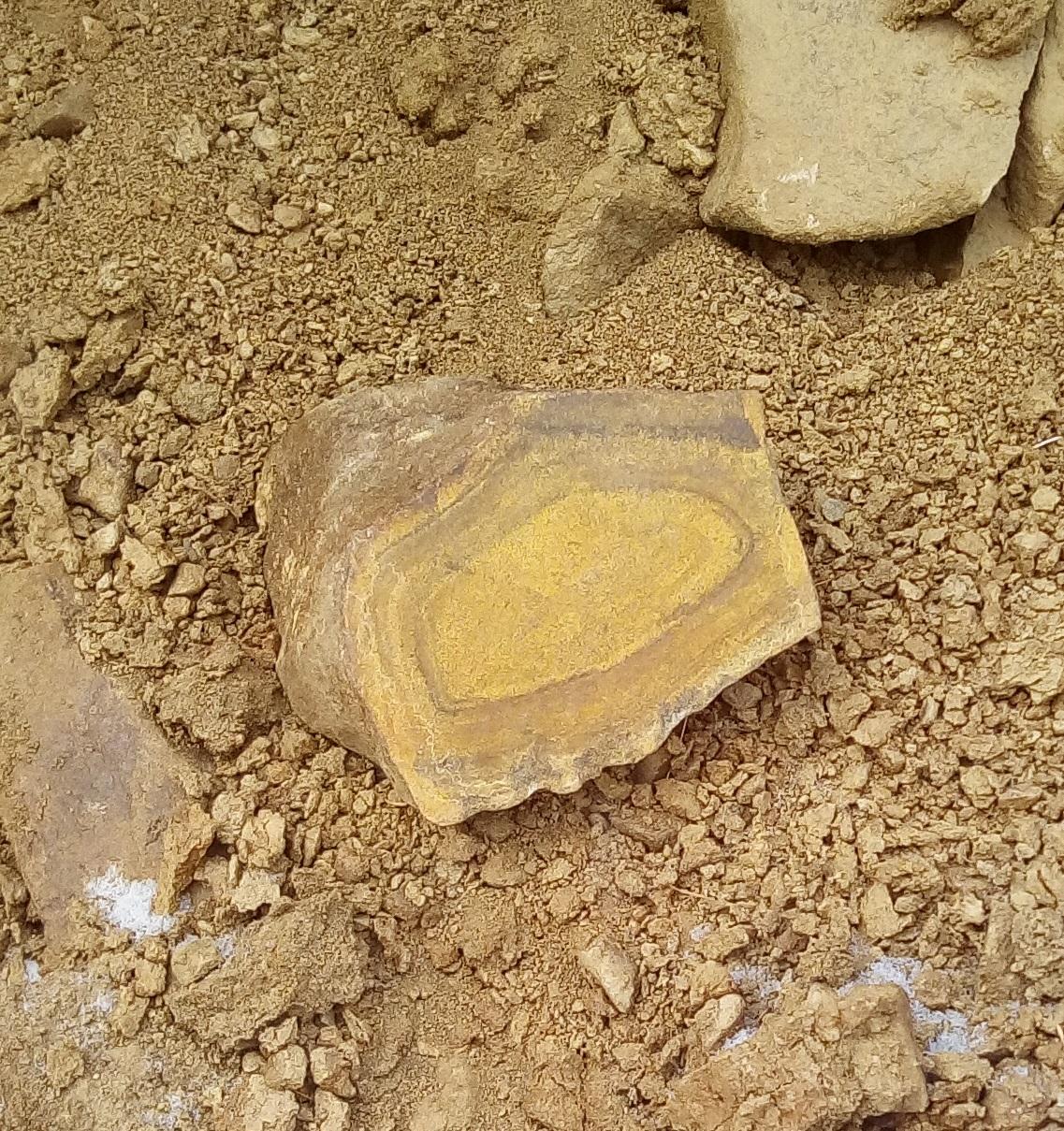
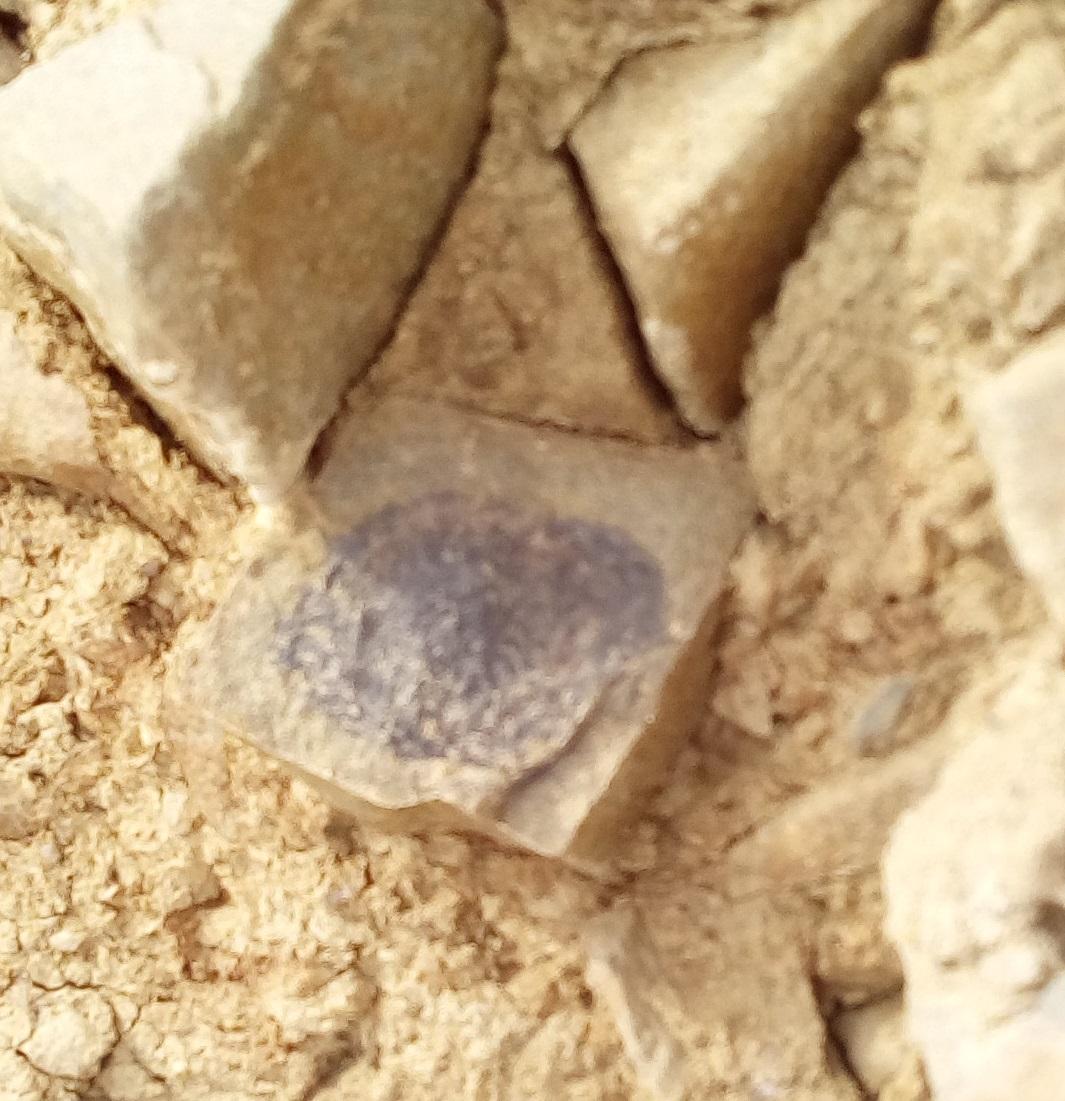
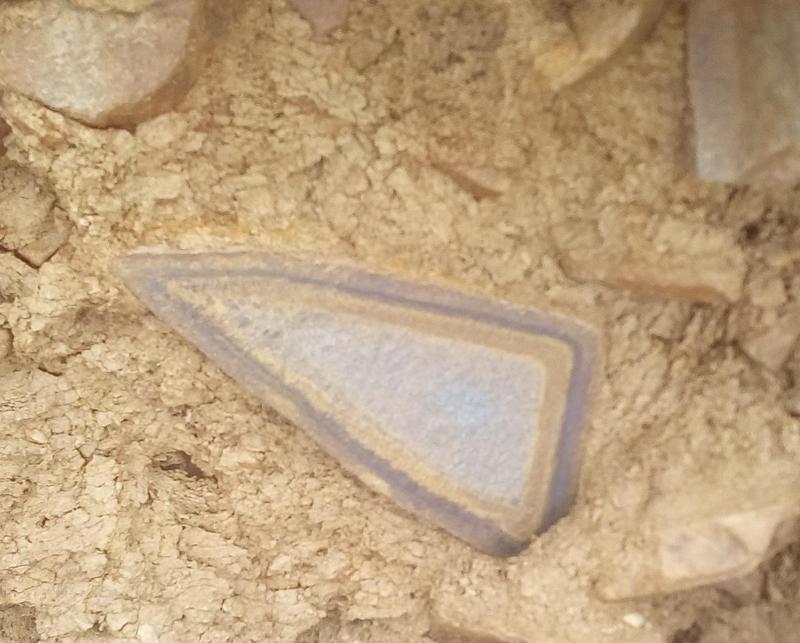
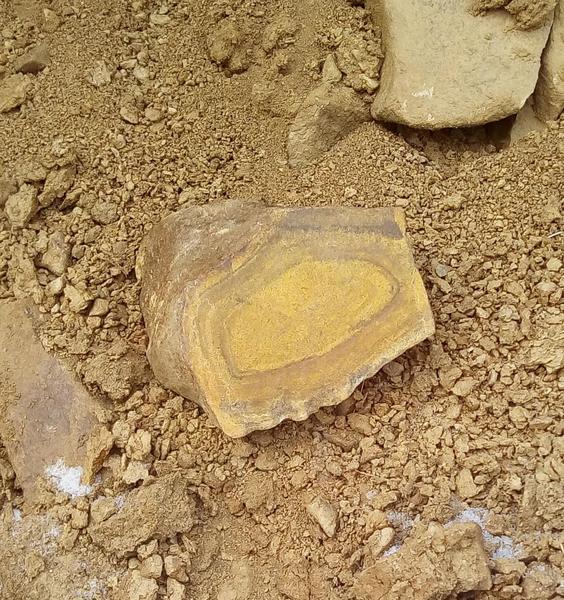
  1. Вовсе не самоцвет, но понравился своей необычностью. В борту канавы зафоткал. Если кто поможет определить что это за камень и почему такое обрамление у него на сколе, то буду благодарен. Сам я к камням отношусь трепетно и мимо интересных экземпляров не прохожу, обязательно зафоткаю. Добавил еще пару с той же канавы. Пошто рисунки такие?
Account

Навигация

Configure browser push notifications

Chrome (Android)
  1. Tap the lock icon next to the address bar.
  2. Tap Permissions → Notifications.
  3. Adjust your preference.
Chrome (Desktop)
  1. Click the padlock icon in the address bar.
  2. Select Site settings.
  3. Find Notifications and adjust your preference.